THE APEX JOURNAL · Energy efficiency
Smart Thermostat Settings for a Dallas Summer
How to set a smart thermostat for Dallas heat, from schedules built around your household to steady heat pump settings, humidity, peak afternoons and placement.
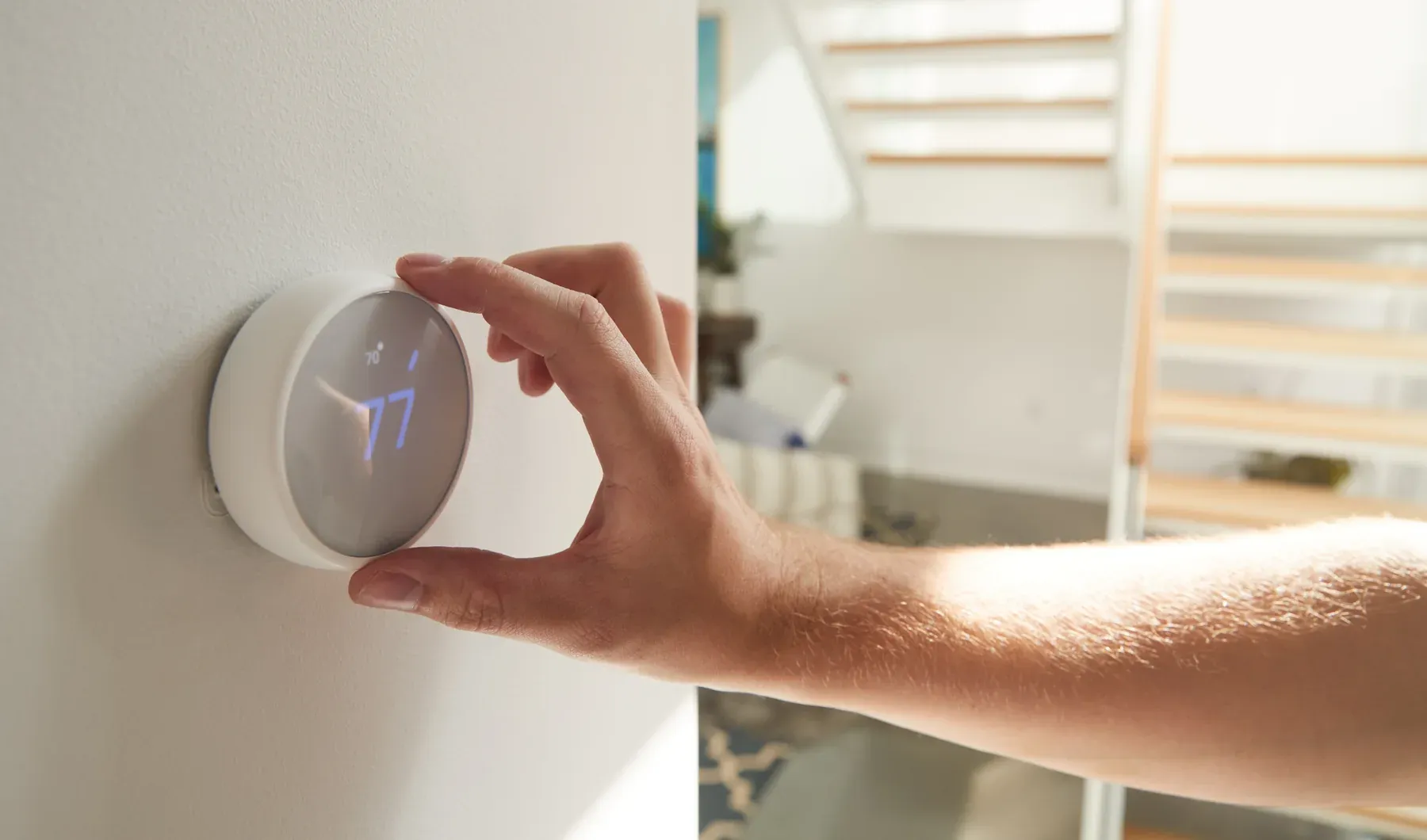
A Dallas summer asks a lot of a thermostat. Afternoon heat can linger past sunset, west-facing rooms warm up late in the day, and the cooling system may run for long stretches from June into September. A smart thermostat can make that easier to manage, but only when its settings match how your household actually lives.
There is no single correct number. The Department of Energy suggests setting the thermostat as high as is comfortable when you are home and awake, raising it when you are asleep or away, and keeping pets in mind. The rest is about a schedule you will actually keep. DOE Energy Saver guide.
Build the schedule around your household
Start with a plain-language week. When is the house empty? When does everyone go to sleep? Who works from home, and in which room? Write those blocks down before opening the app.
Then set a few simple periods:
- Home and awake: the warmest setting that still feels comfortable
- Away: a higher setting, with enough lead time to recover before people return
- Sleep: whatever helps the household rest, which may differ from the daytime setting
ENERGY STAR notes that many smart thermostats can learn preferences and use geofencing, which reads your phone's location to adjust as you leave or head home. ENERGY STAR smart thermostat overview. Learning features help, but review the schedule after a couple of weeks. A habit picked up during one unusual week may need correcting.
Ceiling fans help as well. DOE says a ceiling fan can let you raise the thermostat about 4°F without a loss in comfort. Fans cool people rather than rooms, so switch them off when you leave.
Go easy on big swings with a heat pump
Many Dallas homes use a heat pump for both cooling and heating. DOE cautions against setting back a heat pump without a thermostat designed for heat pumps, and against manual setbacks that make backup electric-resistance heat come on in winter. That backup heat is not a factor in cooling season, but it is still fair to ask your HVAC technician how large a swing your system can recover from comfortably on a 100-degree afternoon.
If you are replacing a thermostat, confirm it is compatible with your equipment. ENERGY STAR suggests that owners of very high-efficiency systems consider the equipment maker's own controller, and that Wi-Fi models sit within reasonable range of the router. Leave any wiring changes to a qualified HVAC technician.
Watch humidity, not just temperature
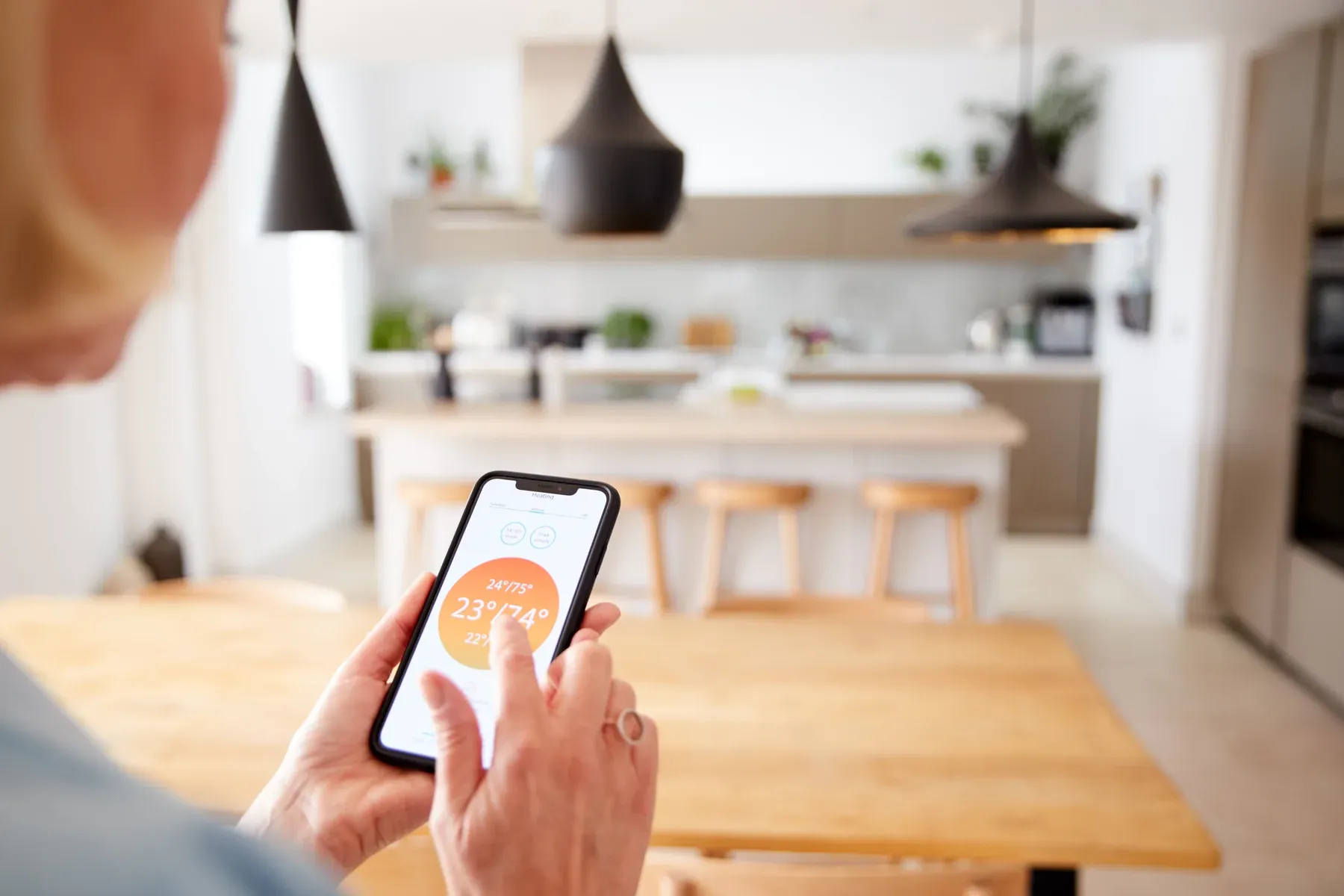
A house can reach its set temperature and still feel clammy. EPA's mold and moisture guidance puts the ideal indoor relative humidity between 30 and 50 percent, advises staying under 60, and suggests running air conditioners or dehumidifiers when needed. EPA guide to mold and moisture. Many smart thermostats display indoor humidity, which gives you a useful number to record.
If readings stay high on summer afternoons, mention it at your next service visit. Humidity control can involve equipment sizing, fan settings and airflow, so it is a conversation for a professional rather than a setting to guess at. Our guide to filters, humidity and fresh air covers what to observe.
Peak afternoons, pre-cooling and utility programs
When supplies get tight on the hottest days, ERCOT, the state's main grid operator, may ask Texans to conserve, for instance by raising thermostats a couple of degrees during the tightest hours. Texas Tribune on ERCOT conservation requests.
Some households cool the house a little earlier in the day and let the temperature drift up through the late-afternoon peak. That can be a reasonable option, but how well it works depends on how well your home holds its temperature.
Smart thermostats can also connect to programs offered by retail electricity providers or utilities. ENERGY STAR notes that labeled models are designed to work with utility programs that offer incentives for helping manage grid reliability. Before enrolling, read the terms: when events can happen, how far the setting may move and how to override an event if someone at home needs cooling.
DOE also notes that homes with smart meters usually have access to a customer web portal with hourly use, a handy way to see how your schedule plays out.
Where the thermostat sits matters
A thermostat reads the air around it. If it hangs in afternoon sun, beside a supply register, near a lamp or electronics, or next to a drafty door, it may report a temperature that does not reflect the rest of the house. Note any of these before changing settings again and again.
Remember what a thermostat cannot fix. If one room stays hot on any schedule, the cause may be leaky ducts, thin attic insulation or sun-struck windows. See why sealing ducts can matter as much as new equipment and why one room feels hotter than the rest. ENERGY STAR also recommends checking the filter monthly during heavy-use seasons. ENERGY STAR heating and cooling tips.
Request a free home visit with Apex Smart Homes to look at your thermostat schedule together with the ducts, insulation and equipment it relies on.